



If you are a State Government employee of West Bengal, you need to apply online for leave through your Employee login on WBIFMS portal. Before applying any leave, you need to check leave balance in WBIFMS portal. In this article, showing how you can view your Leave Balance.
How to Check Leave Balance in WBIFMS
- At first, open any web browser and type the URL https://www.wbifms.gov.in on the address bar and hit on the enter button.
The Homepage of WBIFMS Portal will appear:

- Click on Sign in if you have already registered, or Click here to see how to register in WBIFMS Portal if you are not registered yet.
After clicking on the Sign-in option, the Login page will appear:
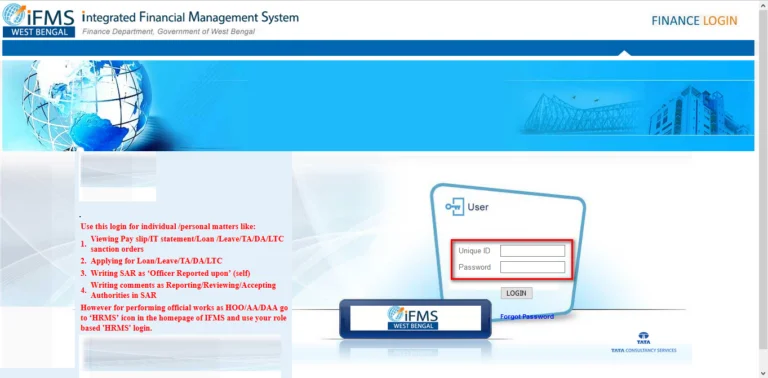
- Enter your Id and Password and Click on Login button
- After Login click on My Request and then click on Balance Report option.

- Click on Show Report option

- Here you will find your ls leave balances.

Thanks for visiting this page.

1 Comment
thanks for help
Comments are closed.